Policies and procedures your team actually reads and acknowledges
A policy only helps when the right people have read the current version. CrewSteps lets you publish policies and procedures to the people they apply to, ask them to confirm, and see where everyone stands.
Write, organize and publish
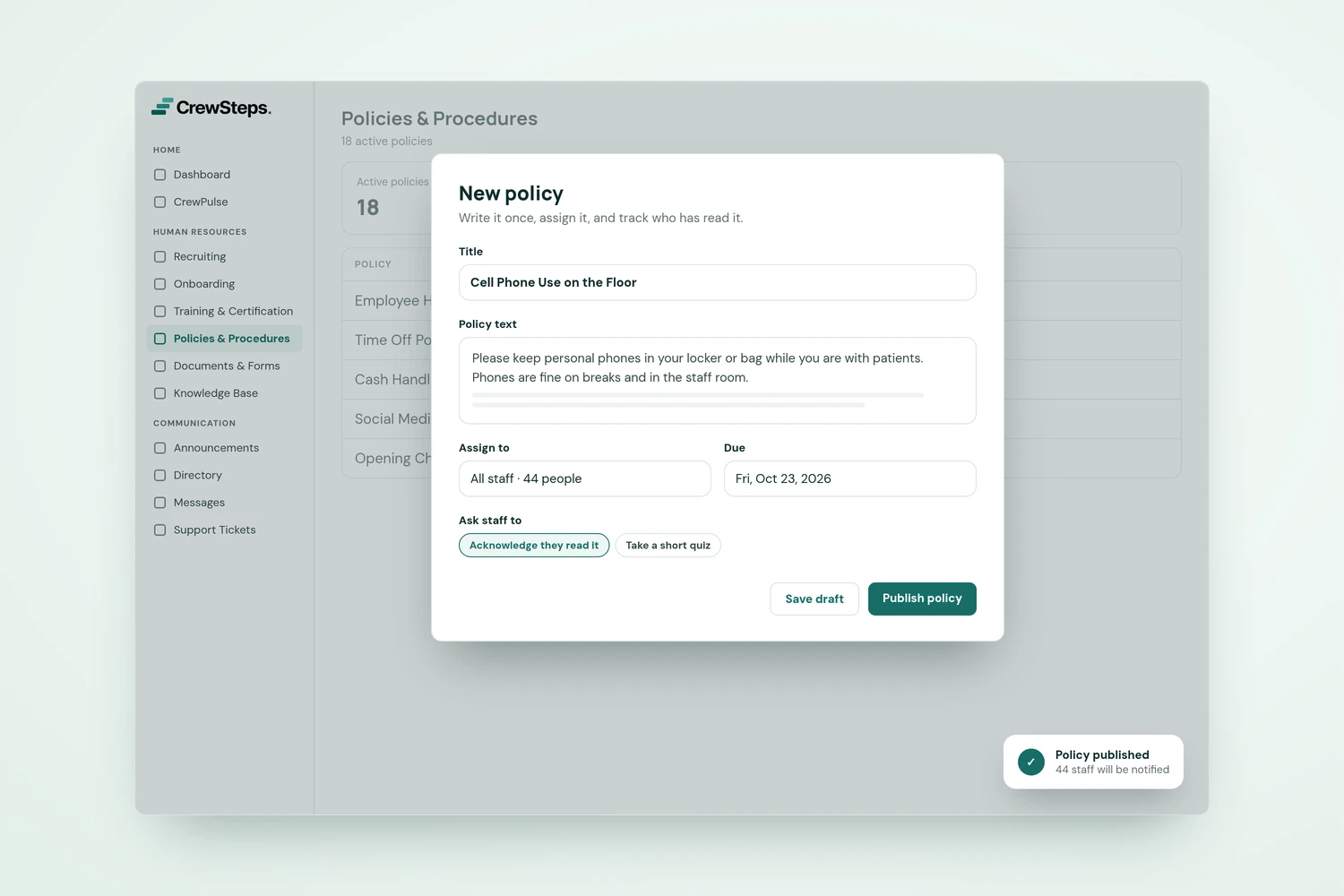
Give each policy a clear title, description, category, folder and audience, then add the content and any supporting attachments. On paid plans, AI can help with a first draft that you review before using. Save it as a draft until it's ready to publish.
Acknowledgments you can see
Choose the acknowledgment requirements and due dates, then use View acknowledgments to check who has confirmed. Employees read the policy and its attachments and complete the confirmation on the page.
Updates without the guesswork
When a policy changes, review its version and acknowledgment requirements, so earlier confirmations aren't assumed to cover the update.
Built into onboarding and training
Policies can be part of a new hire's onboarding and sit alongside the training that supports them.
