Certification tracking that keeps your team current
Knowing who's certified, and when that runs out, shouldn't depend on a spreadsheet only one person updates. CrewSteps connects certificates to the training behind them, so you can see what's valid, what's expiring and what needs to be redone.

Certificates that come from completed training
Set a course to issue a certificate on completion. Employees can open each certificate to see the course, issue date and validity details, and download it where available.
Renewals that don't slip
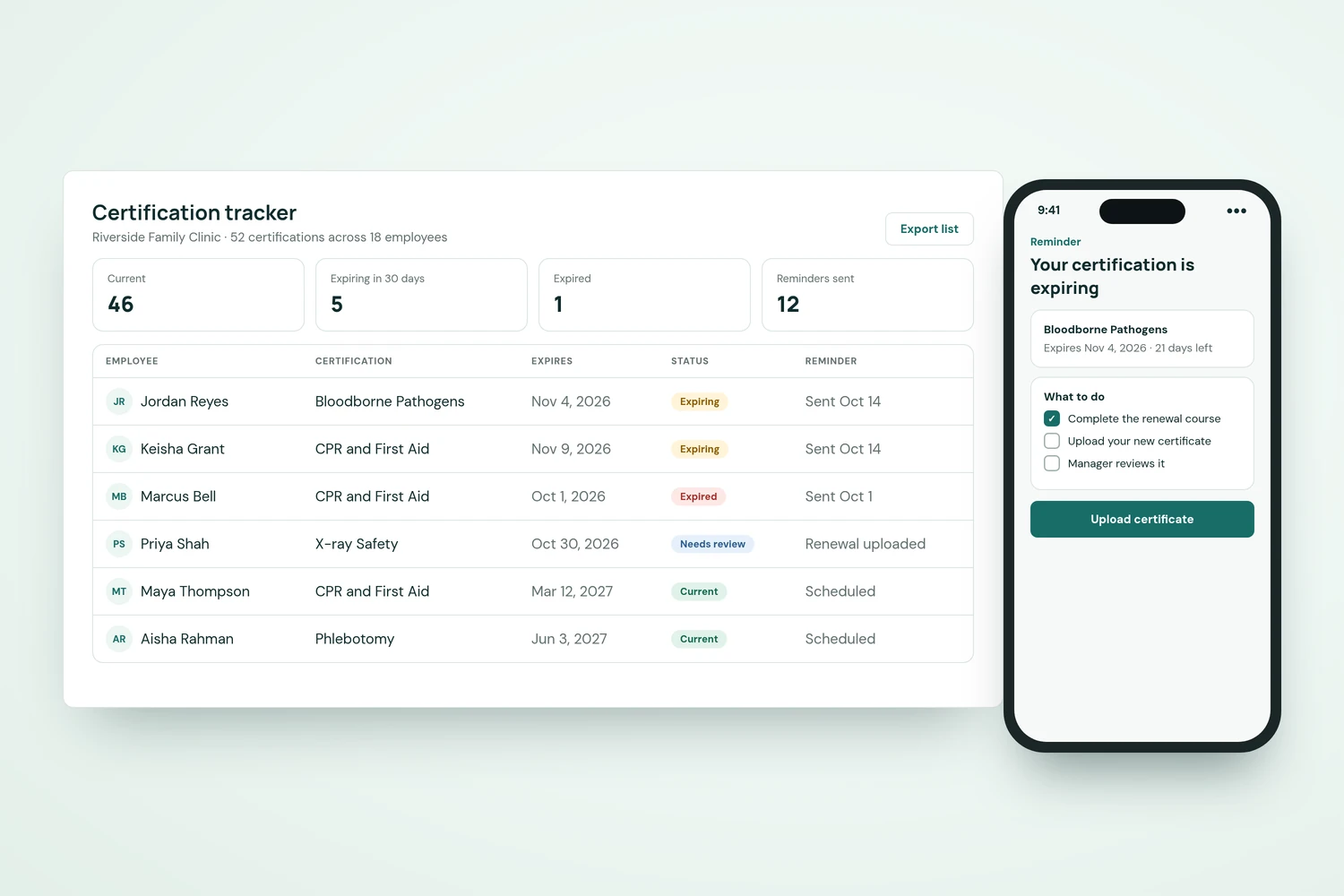
Recurring training can create a new assignment when a renewal is due, and expiry warnings help people act before a certificate lapses.
Bring outside certificates in too
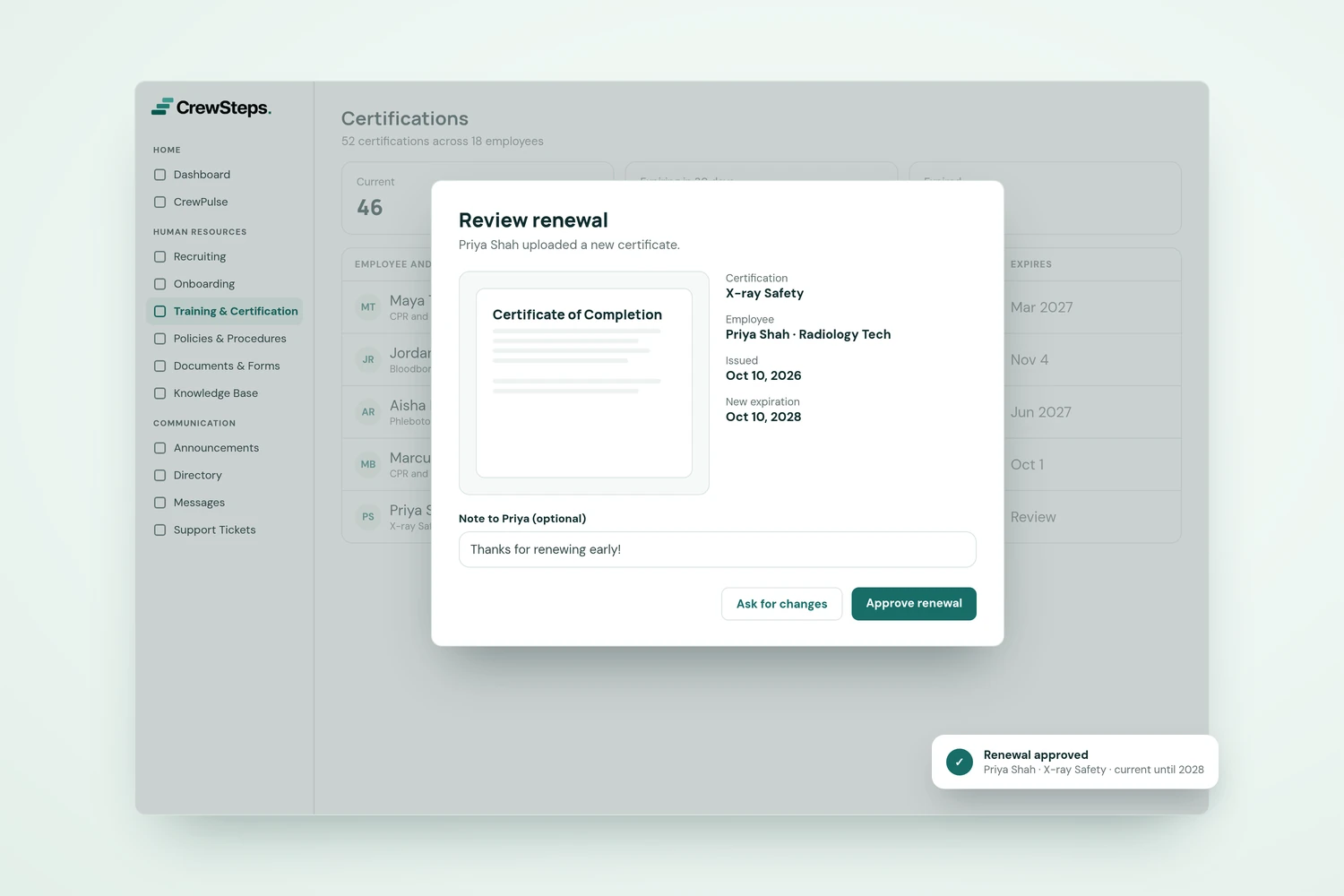
Employees can upload a certificate earned elsewhere with the required evidence and dates, so you can review it alongside the training you run in CrewSteps.
Part of your training, not a separate system
Certifications sit inside CrewSteps training, next to your courses, quizzes and assignments.

Keep every certificate in view.
No card required.